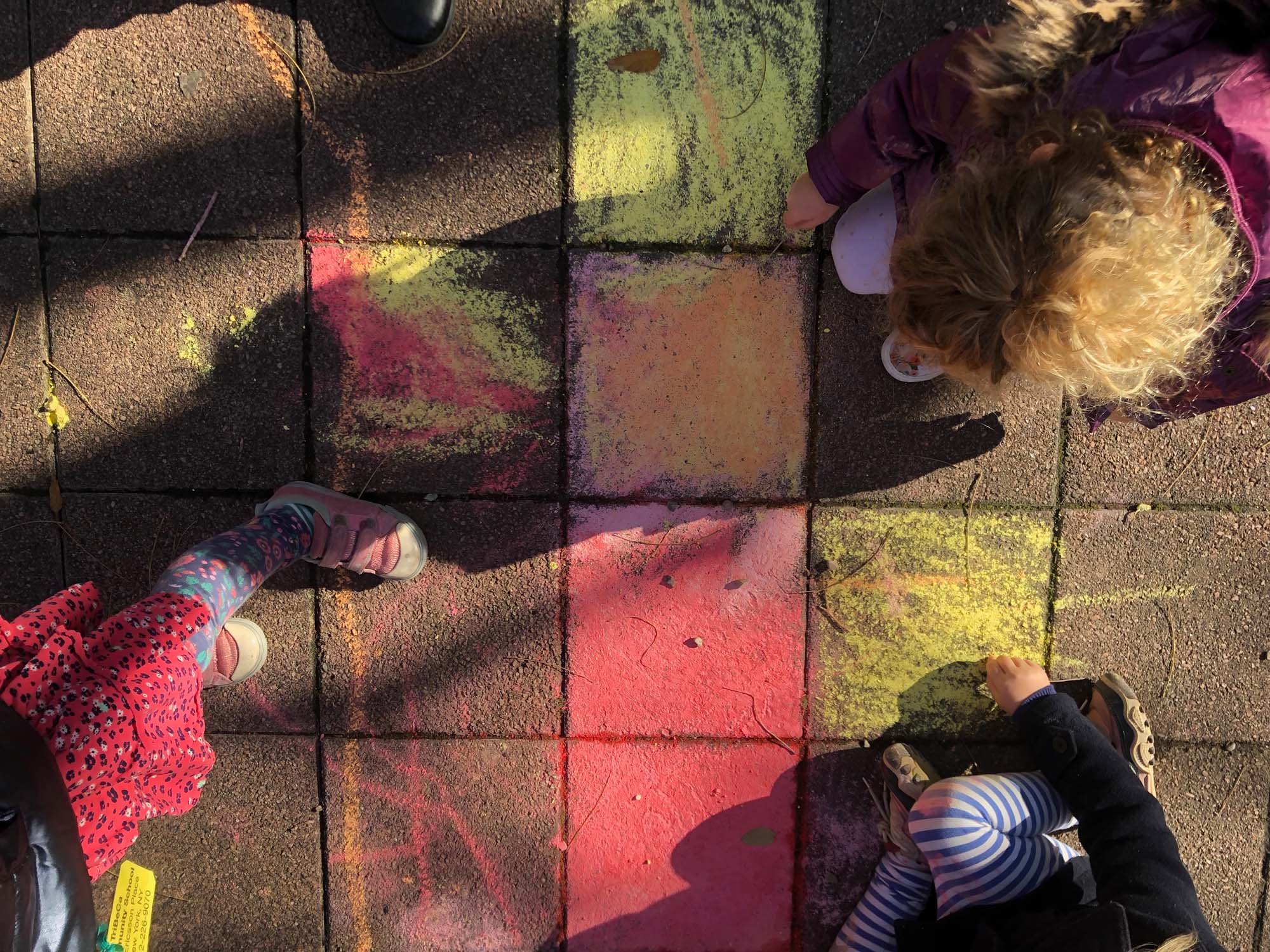
A life of wonder begins here.
A preschool for Ages 2-5 in the heart of TriBeCa, NYC.
Discover a warm and nurturing environment that fosters confidence, collaboration, and curiosity.
We are turning 20! Since 2006, TriBeCa Community School has been a special place where children are celebrated for their unique abilities and embraced as essential members of our community.
Supported by a loving and dedicated community of families and educators who wholeheartedly believe in our approach to early childhood education, we put relationships and creativity front and center, inspiring our young learners to explore their passions and collaborate with others.
From the moment they step through our doors, our children are greeted with open arms and boundless love. We see them, we hear them, and we cherish every moment spent together. As they journey through our program, the children develop a genuine love for learning and become active participants in both their local and global communities.
But TCS is more than just a school.
It's a feeling, a shared experience that radiates warmth and connection. It's a place where children's individuality is celebrated and where lasting friendships are made.
So, welcome to TCS! We’re thrilled to share in the wonder as your child embarks on this extraordinary educational journey. We can't wait to meet you and be a part of your family's story at TriBeCa Community School.
See what makes our preschool special.
Step inside a few of our classrooms.
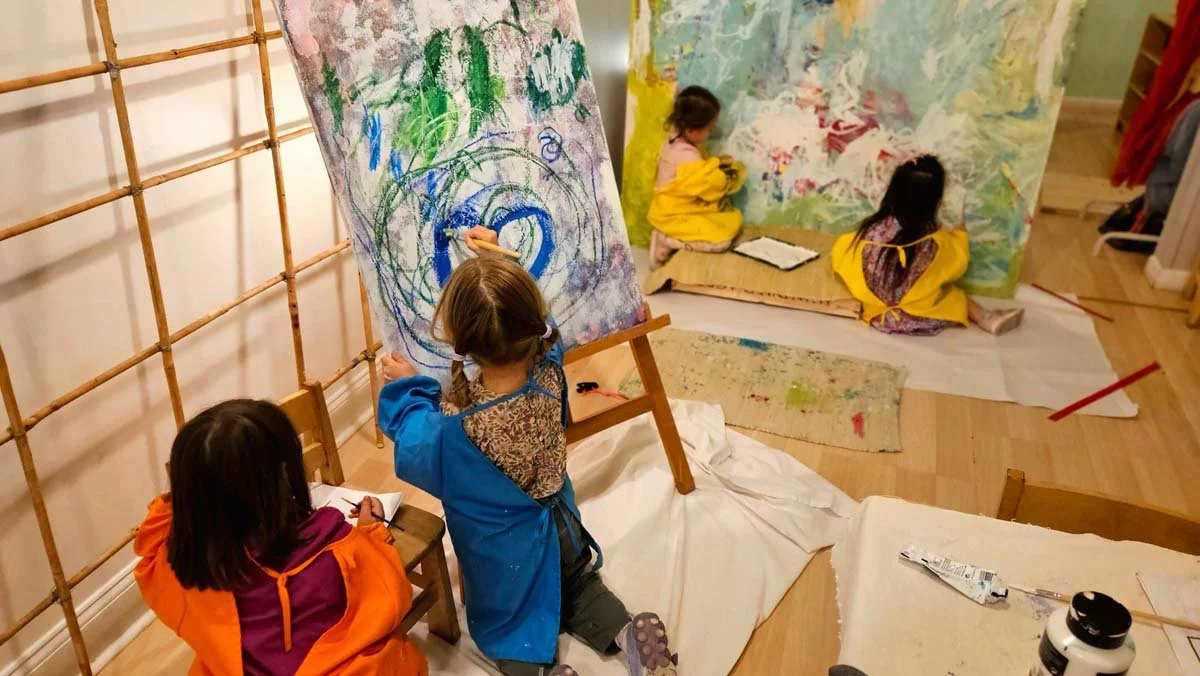
Our program is designed to support how children learn best.
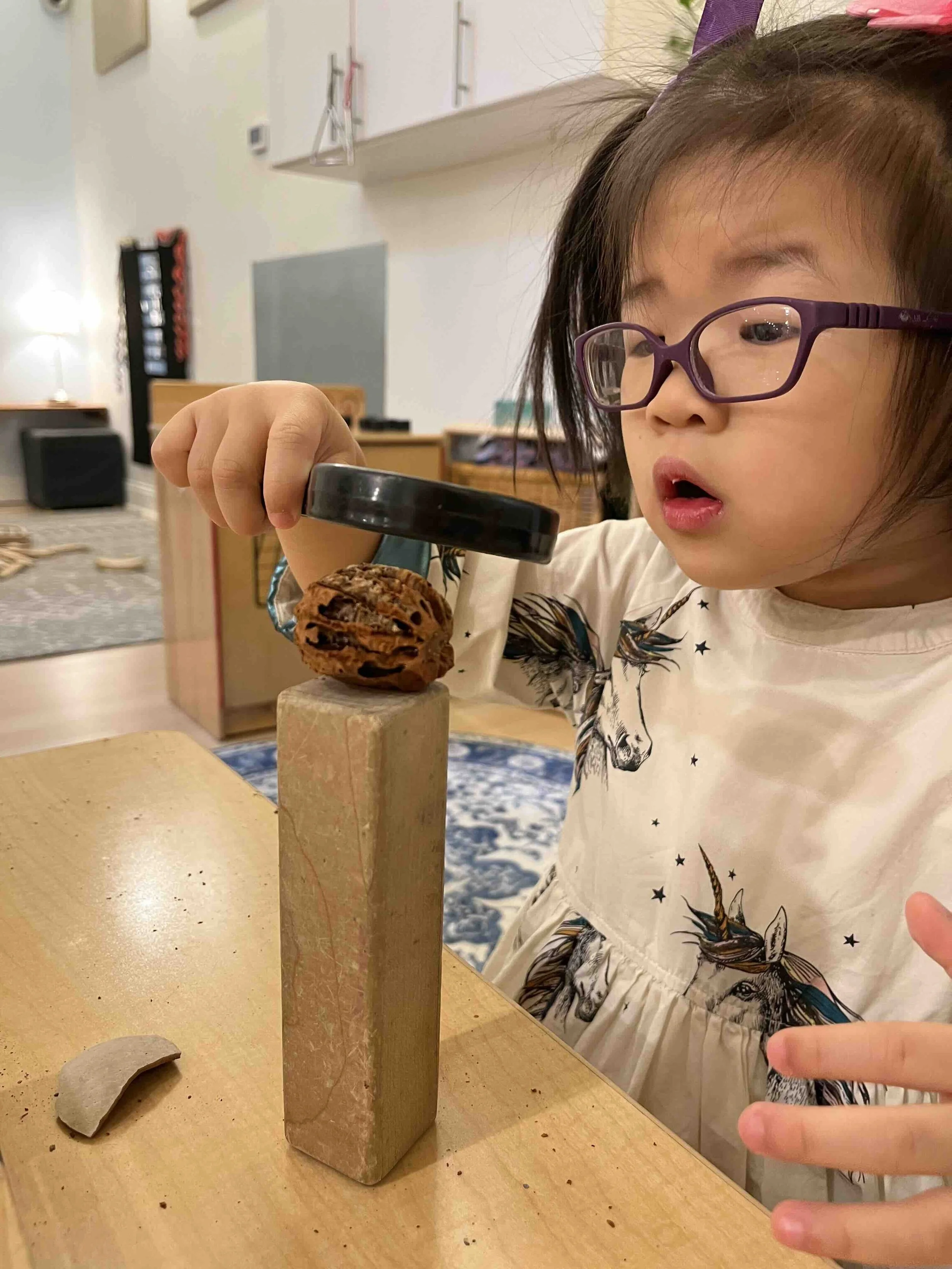
We honor your child’s interests and natural curiosity.
Our curriculum supports the learning of educational and developmental milestones that will prepare your child to flourish in Kindergarten and beyond, while also empowering your child to be curious and find endless inspiration in the world around them.
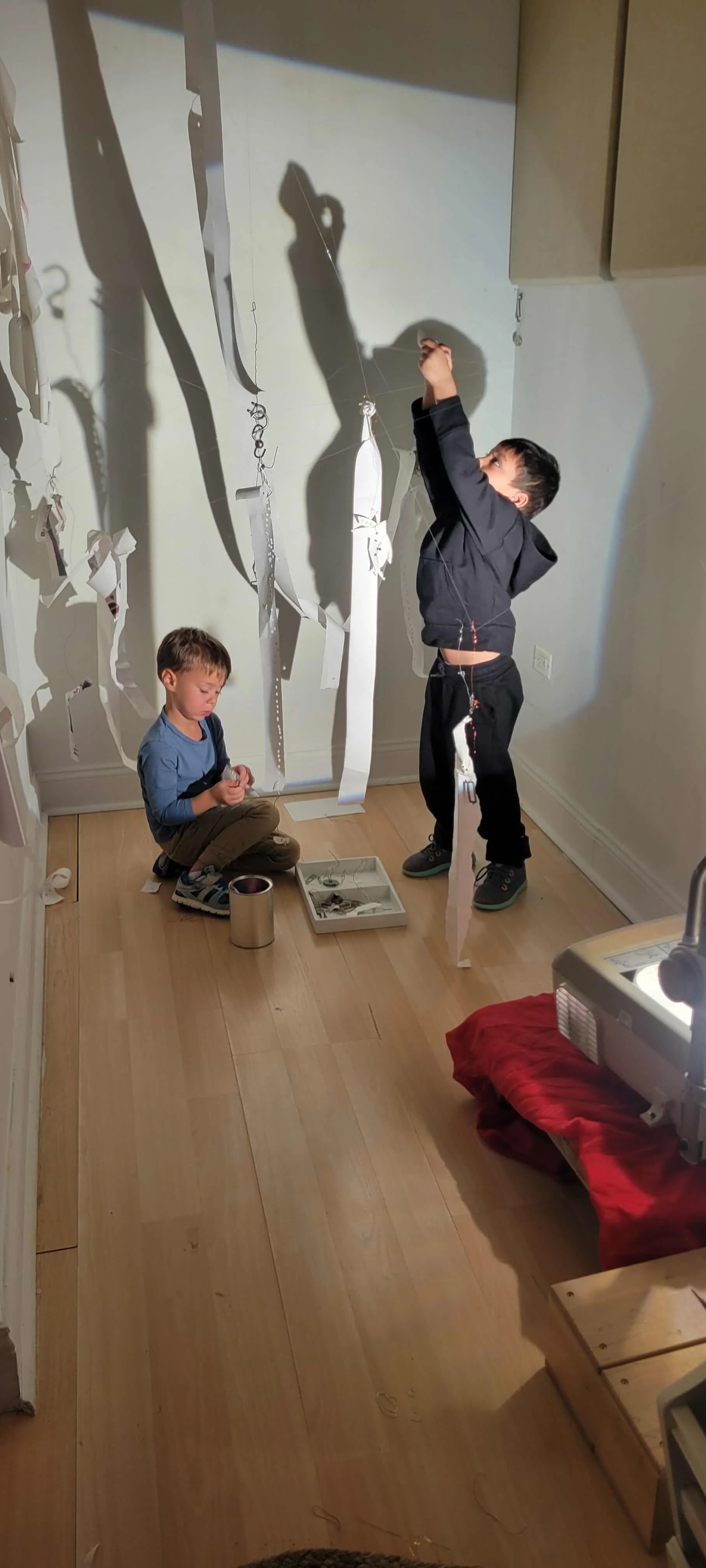
We follow the most current research and best practices in early childhood development.
Children learn best when they are actively involved in making meaningful connections, exploring their curiosity, and actively constructing knowledge through hands-on experiences and interactions with their environment.

We see creative expression as an essential vehicle for learning.
Every day in our classrooms and Ateliers, our educators encourage our children’s natural inclinations to create as they observe, question, and build on their understanding of the world.

We believe an engaged community supports learning.
Together with our caring families and dedicated staff, we create a nurturing environment, enveloping our children with a strong, supportive, and reflective community, empowering them to learn, explore, and flourish.

Parent Testimonials
Classroom Investigations
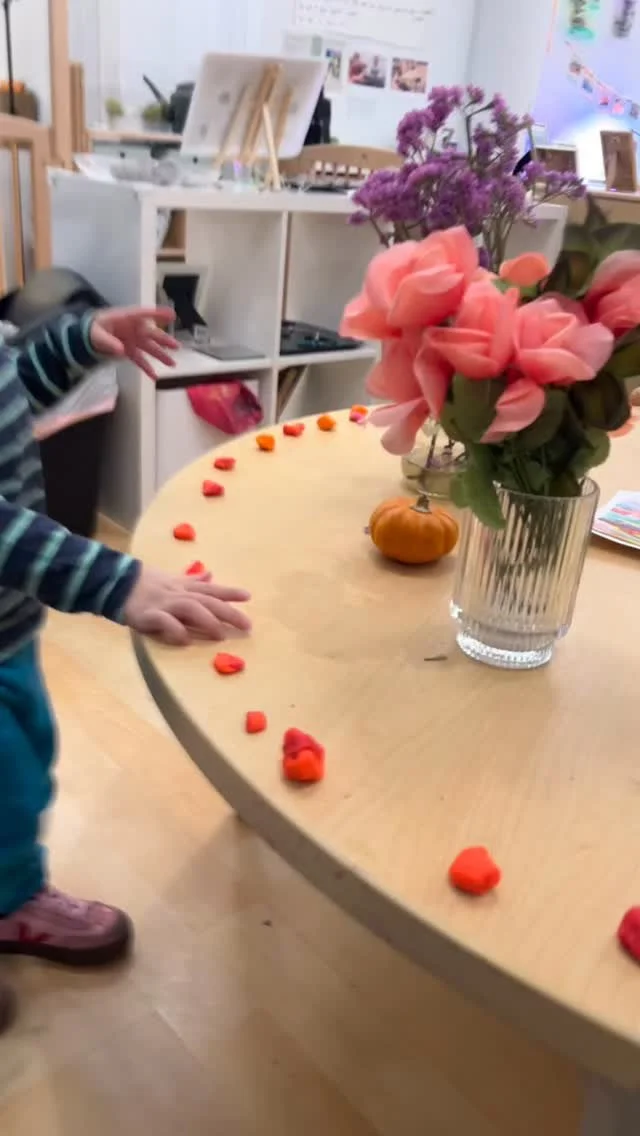
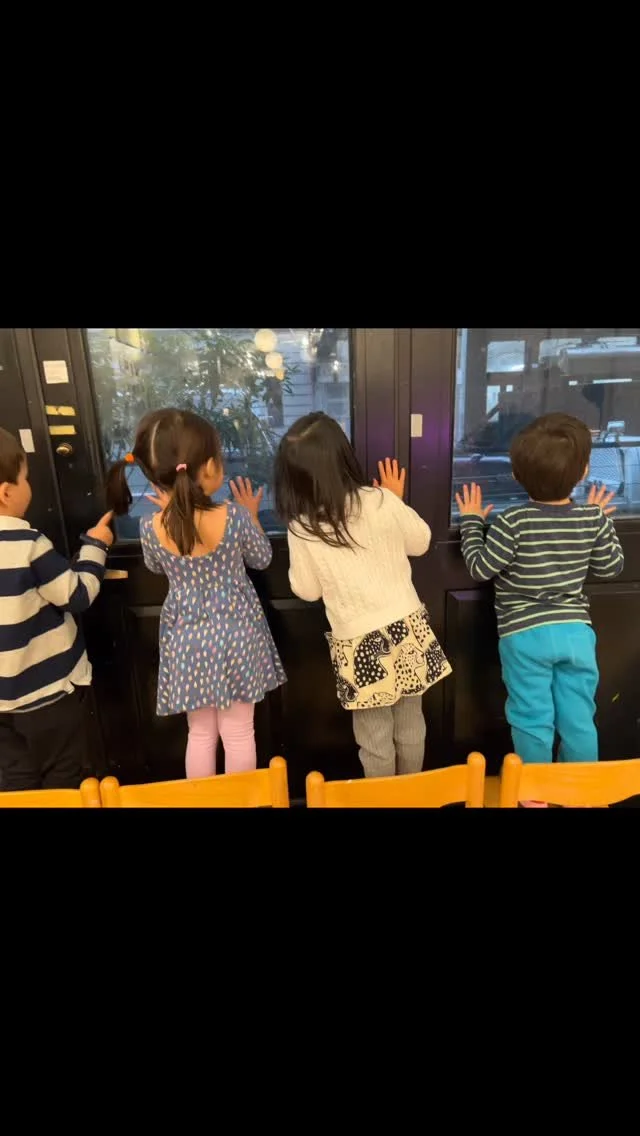
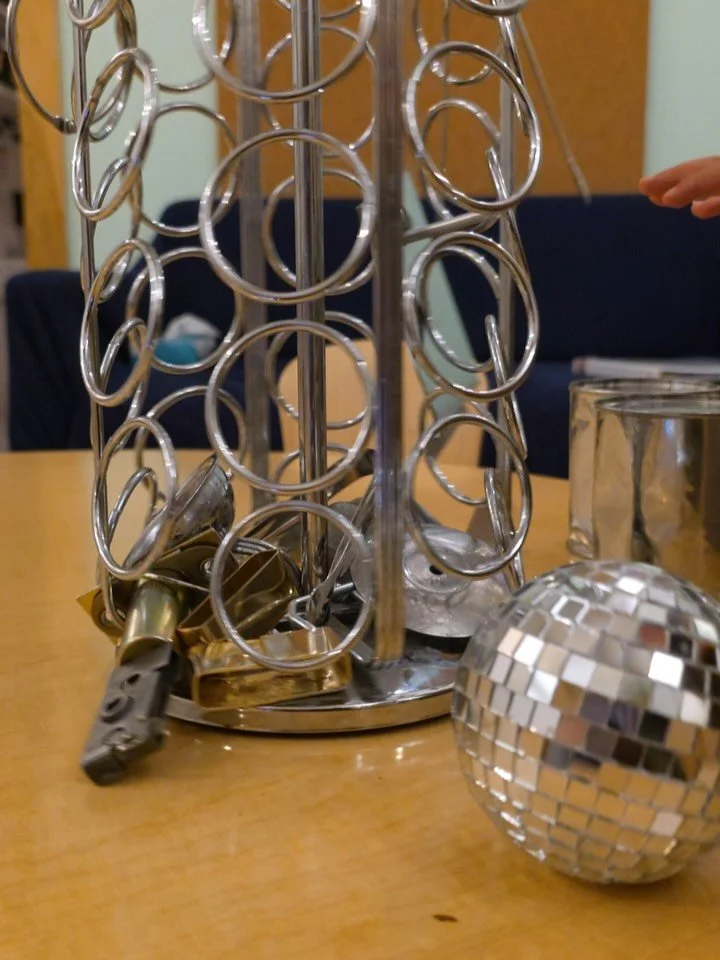
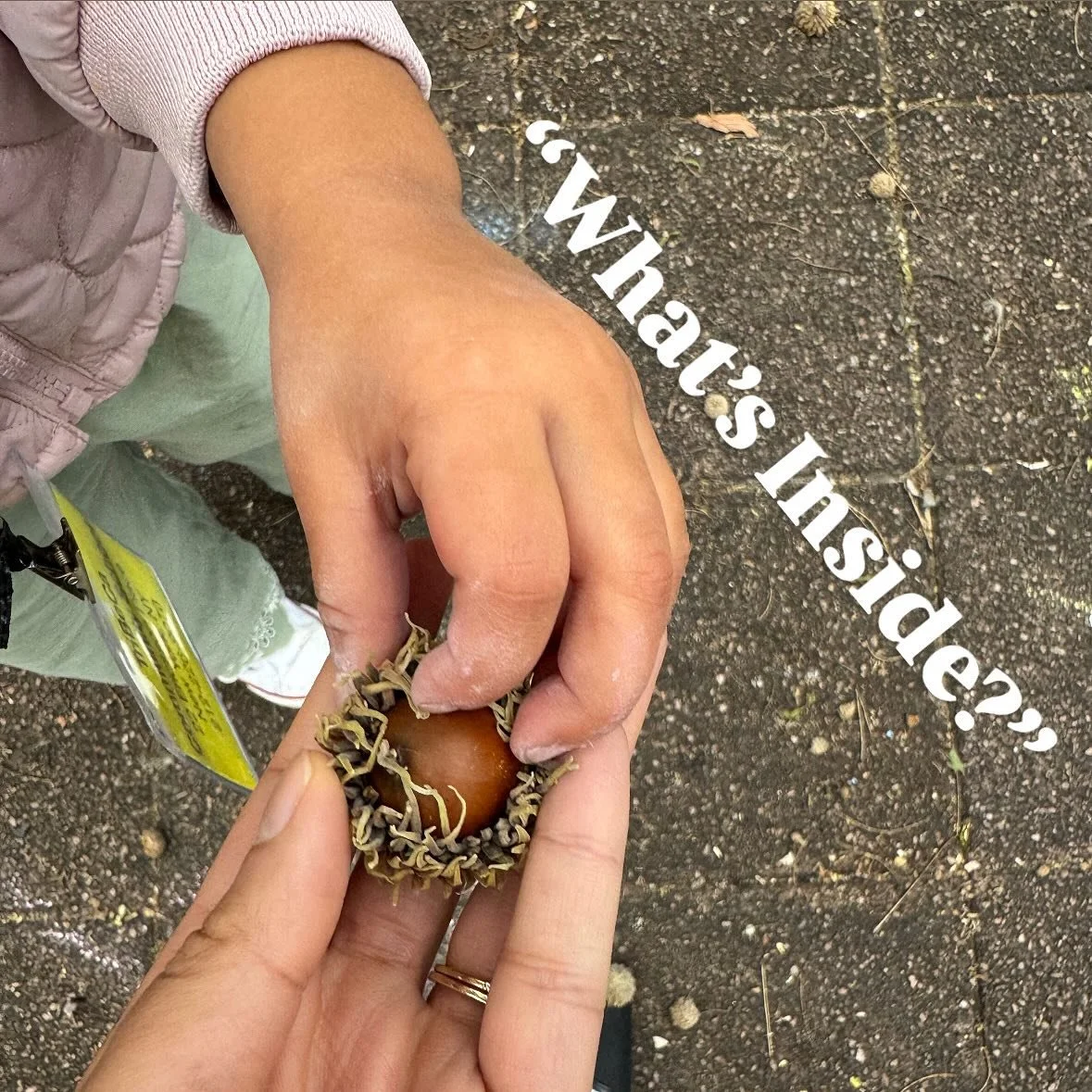
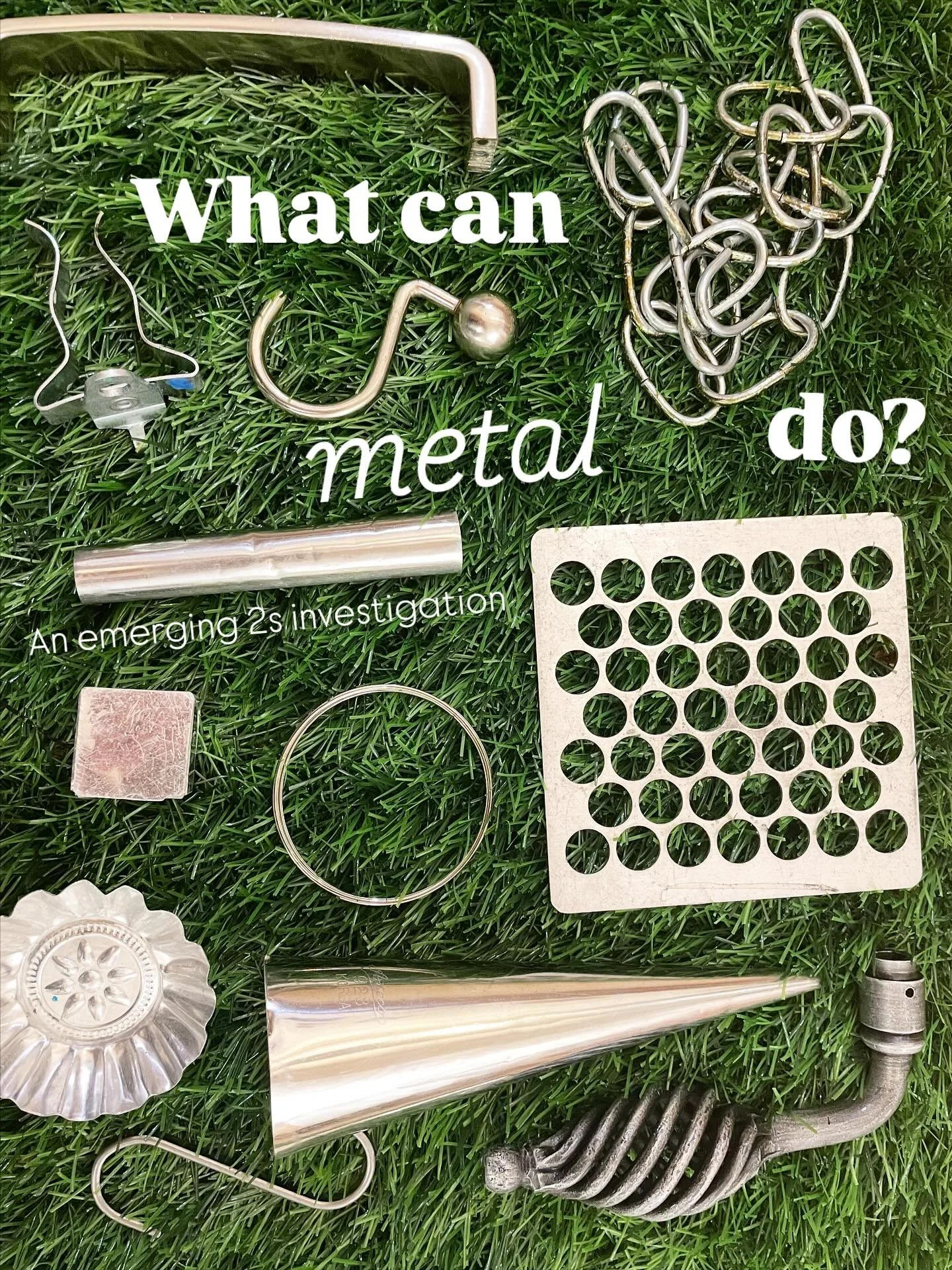
Take a look at a few examples of classroom investigations, which form the heart of our curriculum. After each investigation, our teachers create presentations like these to capture the children’s work and share the journey with families.


Follow us on Instagram


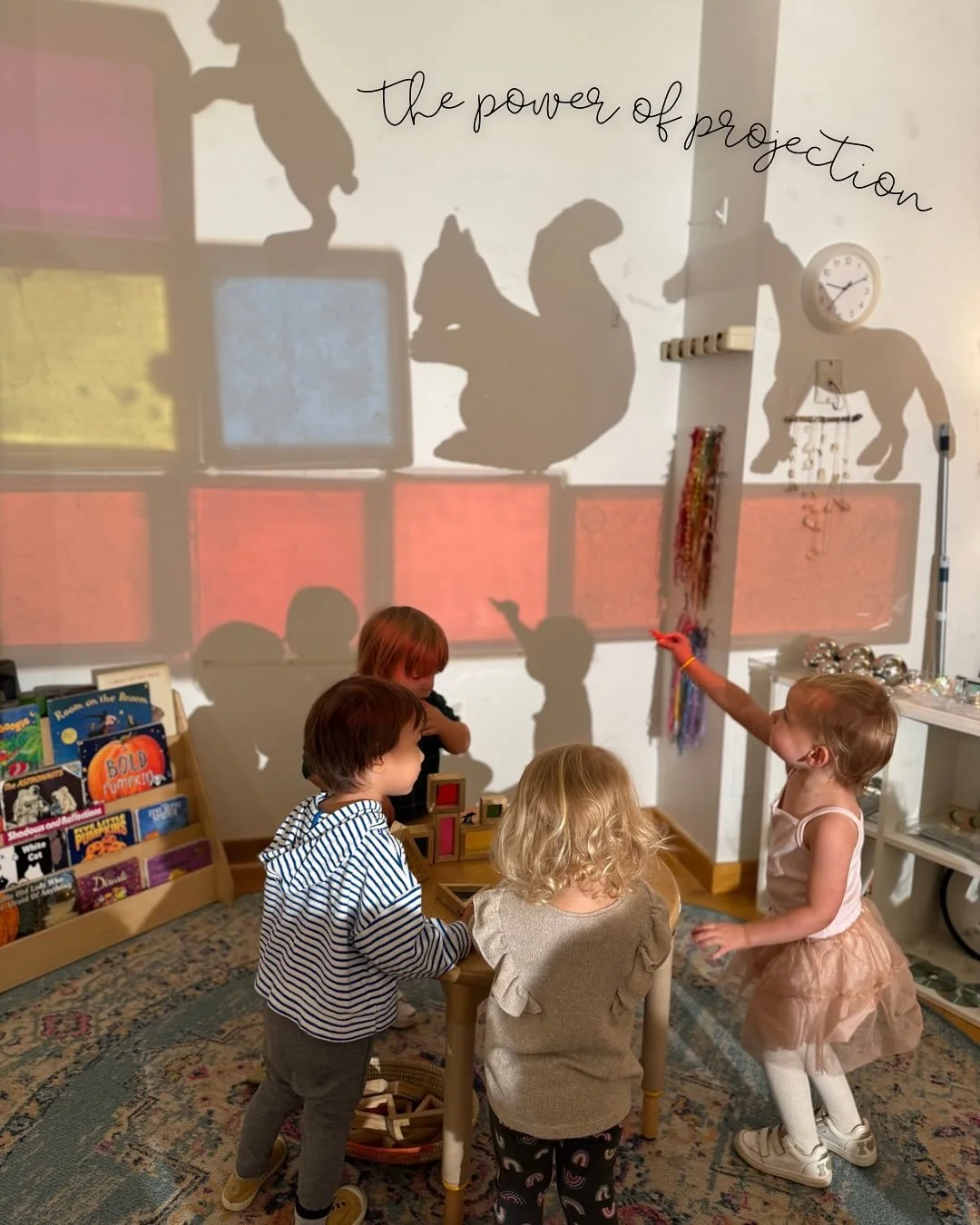
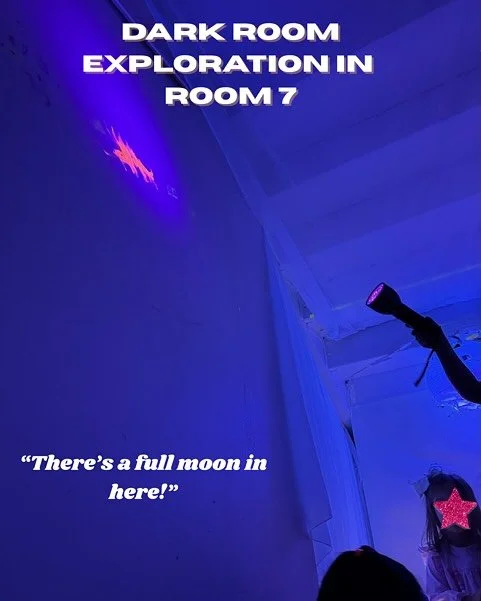
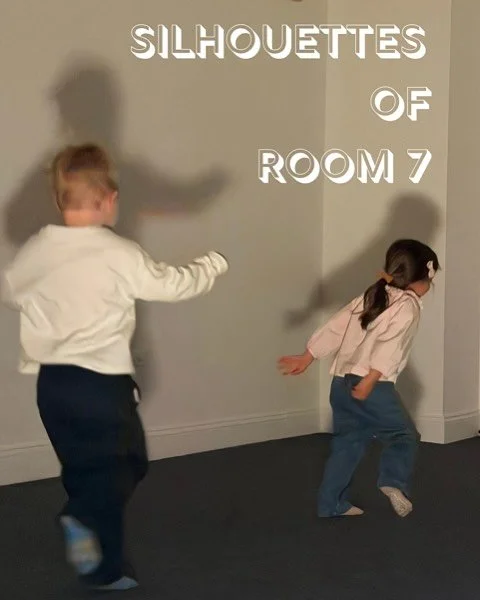
TCS news:
A New Chapter begins in Ridgefield
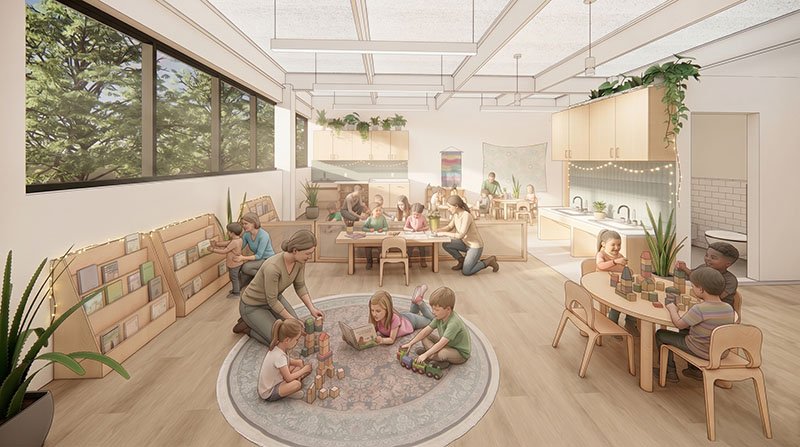
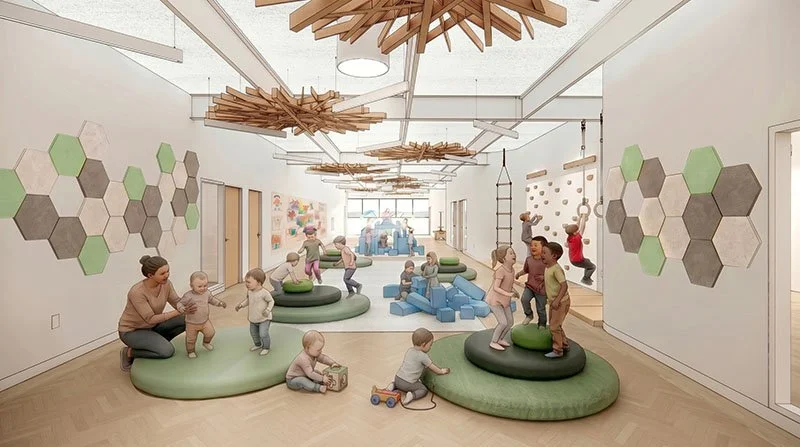
We are excited to share that TriBeCa Community School is opening a second campus in Ridgefield, Connecticut in Fall 2026.
Rooted in the same child-centered philosophy that has guided our work in Tribeca for nearly 20 years, this new school will serve children ages 6 weeks to 6 years in a full-day, year-round program.
Visit TCS Ridgefield to learn more.
TriBeCa Community School is a proud Blackboard Award winner. Read about it in New York Family.